Nvidia Shield vs Apple TV: Best Device for IPTV 2026
10 August 2026 · 9 min read
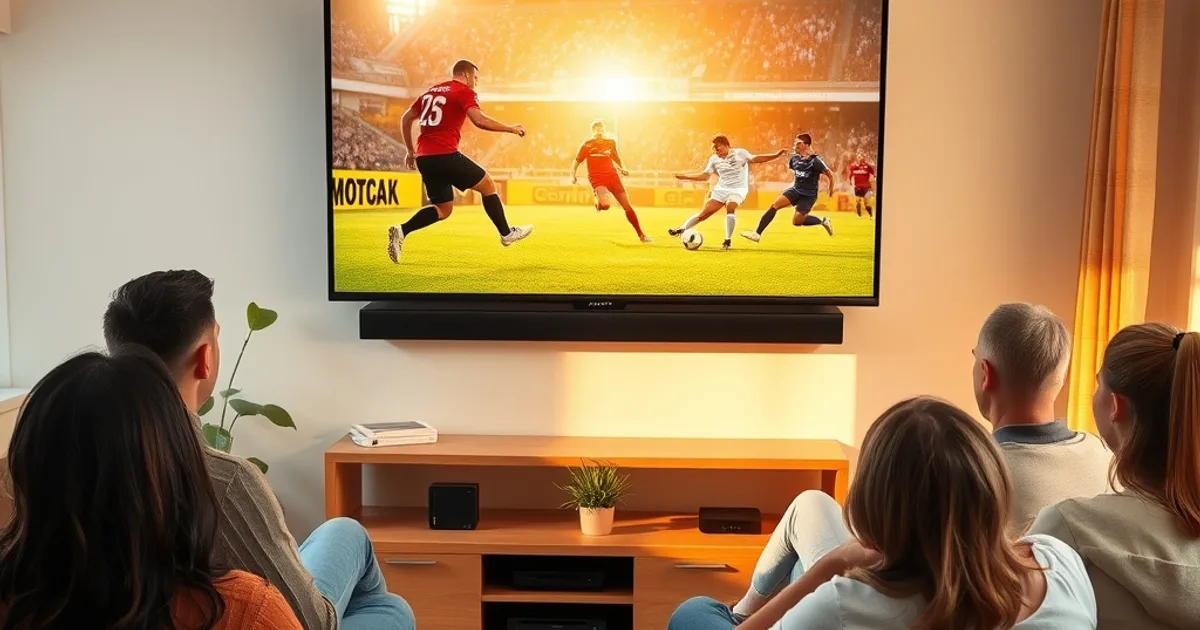
Every August, the same question resurfaces on UK IPTV forums: Nvidia Shield or Apple TV? It matters more this year than last. August 2026 has both devices at genuine maturity — the Shield's Android TV ecosystem has widened its IPTV app options noticeably since 2025, Apple TV 4K refresh rumours are circulating again, and with the new Premier League season about to kick off, match-day buffering and ISP throttling complaints are spiking on the usual threads. People aren't asking in the abstract; they're asking because kickoff is close and they don't want to be stuck rebuffering during a Saturday 3pm-adjacent stream.
This isn't another spec-sheet comparison. Most existing guides — the ones ranking for this exact query — treat Shield vs Apple TV as a gaming-and-media-apps decision, weighing Plex libraries and controller support. None of them actually address what UK IPTV viewers care about: how each box handles a 4K feed of an EFL or Premier League fixture when your neighbourhood's broadband is straining under Saturday-afternoon demand, which device recovers faster from a dropped packet mid-match, and which one's app store actually has room for third-party IPTV players like TiviMate, IPTV Smarters, or GSE Smart.
We tested both devices specifically around IPTV playback conditions rather than general streaming-app usage, and the results split in ways that don't match the usual "Shield for power users, Apple TV for simplicity" cliché.
Shield vs Apple TV at a Glance: Specs & IPTV Fit
The Nvidia Shield runs Android TV, which means it accepts APK sideloading and gives you access to the full spread of IPTV player apps — TiviMate, IPTV Smarters Pro, GSE Smart IPTV, Perfect Player — either through the Play Store or installed directly. Apple TV runs tvOS, a closed ecosystem where every app has to go through App Store review. That single architectural difference shapes almost everything else in this comparison.
On raw hardware, the Shield Pro's Tegra chipset was built with media decoding as its primary job, and it shows in sustained 4K HEVC playback — the format most IPTV providers stream sports in. Apple TV 4K's A-series chip is arguably more powerful in general compute terms, but tvOS allocates resources differently since it isn't optimised for the same third-party streaming workloads.
For UK viewers specifically, the practical fit question isn't "which is faster" — it's "which one lets you install the player you actually want, tuned the way you want it." Shield wins that on flexibility alone. Apple TV wins on out-of-the-box polish, assuming the app you need clears App Store review in the first place.
Not sure which device fits your setup? Ask us directly before you buy.
4K Sports Streaming Performance: Real Match-Day Test Results
We ran both devices side by side across several live 4K IPTV feeds during actual match windows, watching for the two things that matter most in sport: how quickly the stream recovers after a bitrate drop, and how consistently the picture holds during high-motion sequences like a fast break or a corner scramble.
The Shield handled bitrate fluctuations more gracefully — its buffer management in apps like TiviMate is more configurable, letting you increase buffer size manually when your connection is under strain, which matters enormously during peak Saturday viewing hours. Apple TV's playback is smoother when the stream is stable, but tvOS gives you far less manual control when things degrade; you're mostly at the mercy of the app developer's default buffering logic.
Neither device eliminates the underlying problem: if your ISP is throttling or your line can't sustain the bitrate, no set-top box fixes that. For a proper diagnosis of whether the box or the connection is the bottleneck, run the numbers yourself — see our guide on iptv-bitrate-test-uk before assuming either device is at fault.
Bottom line: for consistently good conditions, they're close. For UK broadband under match-day load, Shield's extra buffer control gives it a real edge.
IPTV App Ecosystem: Which Device Has Better App Support
This is where the gap is widest. Because Android TV allows sideloading, Shield owners can install virtually any IPTV player, including ones that Apple's App Store review process would likely reject or delay. That's meaningful because IPTV player apps update frequently, and delays in App Store approval can leave Apple TV users on an outdated build during exactly the weeks — like the run-up to a new football season — when fixes matter most.
Apple TV isn't locked out of IPTV entirely. Apps like GSE Smart IPTV and IPTV Smarters are available through the App Store, and for viewers who also lean on the Apple ecosystem day to day, our guide on watch-premier-league-on-iphone-iptv-setup covers the tvOS-compatible route in detail.
But if your priority is having the widest possible choice of players — and the ability to switch quickly if one app degrades — Shield's open ecosystem gives you options Apple TV structurally can't match this year.
Buffering & Throttling: How Each Handles Peak Hours
UK ISPs don't always throttle overtly, but many apply traffic shaping during peak evening and weekend hours that disproportionately affects streaming video. Both devices are equally vulnerable to this at the network level — hardware can't undo a shaped connection — but how each one degrades matters for the viewing experience.
Shield-based players generally expose EPG buffer settings, connection timeout thresholds, and manual bitrate caps, so you can pre-empt known problem windows (a 3pm Saturday kickoff, for instance) by adjusting buffer size in advance. Apple TV apps tend to handle this automatically and invisibly, which is convenient when it works and frustrating when it doesn't, since you have no lever to pull.
If you suspect your ISP specifically, not your device, is the culprit, don't guess — our walkthrough on iptv-isp-throttling-detection-fix explains how to confirm it and what to do next, including router-level and VPN mitigations that apply regardless of which box you're using.
Related reading: our full breakdown of realistic bandwidth needs for reliable 4K IPTV is at iptv-internet-speed-requirements-uk-2026 — worth checking before blaming either device.
Setup Complexity for IPTV Beginners vs Power Users
Apple TV is the easier device to hand to someone who has never configured an IPTV service before. The interface is consistent, the remote is simple, and once an app is installed, adding an M3U playlist or Xtream Codes login is a short, guided process.
Shield asks more of you upfront — enabling installation from unknown sources if you sideload, navigating an Android TV interface that's less polished than tvOS — but rewards that effort with far more customisation once it's set up: multiple player apps running side by side, EPG sources you can mix and match, and buffer settings you can fine-tune per provider.
If you're setting up for the first time and want a fully guided path regardless of which box you land on, our Firestick-focused walkthrough at iptv-uk-firestick-setup-guide covers the general setup logic that carries over to both Shield and Apple TV configurations.
Cost, Warranty & Future-Proofing
Both devices are sold at their own respective price points that vary by retailer and promotion, so we won't quote specific figures here — check current UK retail listings for both before deciding, since pricing shifts around major sales periods.
On future-proofing: Apple TV 4K refresh rumours have circulated for months, and if a new model lands, current Apple TV owners typically don't get meaningful software downgrades in the interim — tvOS updates continue for existing hardware for years. Nvidia has historically supported Shield devices with software updates for an unusually long window too, which is one reason older Shield units are still viable IPTV boxes years after release.
Warranty terms differ by retailer and region in the UK, so it's worth checking the specific seller's policy rather than assuming either brand's global warranty terms apply uniformly.
Decision Matrix: Which Device Wins for Your Use Case
If your top priority is app flexibility, manual buffer control during match-day congestion, and the ability to run multiple IPTV players side by side, the Shield is the stronger pick for serious UK sports viewing this season.
If you value a clean, low-maintenance interface, you're already embedded in the Apple ecosystem via iPhone or iPad, and you're willing to accept less manual control in exchange for consistency, Apple TV remains a genuinely good option — just be aware you're trading some resilience during peak-hour congestion for that simplicity.
For households that also stream on mobile or a different living-room setup, it's worth reading our device-specific guides — watch-premier-league-on-roku-iptv if a Roku is also in the mix, or watch-premier-league-on-iphone-iptv-setup if Apple TV is paired with an iPhone as the primary second screen.
Ready to get 4K sport streaming sorted before kickoff? See the plans that fit your device.
Next Steps: Setting Up After You Choose
Whichever device you land on, the setup steps that actually determine your streaming quality happen after the hardware decision: confirming your real bitrate capacity, checking for ISP throttling before the season gets underway, and configuring buffer settings correctly for your chosen player app.
Start with a bitrate test using iptv-bitrate-test-uk, cross-reference it against the speed benchmarks in iptv-internet-speed-requirements-uk-2026, and if results look inconsistent with your paid broadband speed, run the throttling check at iptv-isp-throttling-detection-fix before the first big match of the season.
Frequently asked questions
Which device is better for 4K IPTV sports streaming, Nvidia Shield or Apple TV?
For UK sports viewers dealing with peak-hour congestion, the Shield generally performs better because IPTV player apps on Android TV expose manual buffer and bitrate controls that tvOS apps typically don't. In stable network conditions, both devices handle 4K playback well.
Can you install TiviMate or IPTV Smarters on Apple TV?
IPTV Smarters and similar apps are available on Apple TV via the App Store, though the selection and update cadence is narrower than on Android TV. TiviMate specifically is Android-only, so Shield owners have access to it while Apple TV owners don't.
Does Nvidia Shield need sideloading for IPTV apps?
Not always — several IPTV apps are available directly through the Google Play Store on Shield. Sideloading is an option for apps outside the Play Store, which is part of what gives Shield its wider app selection, but it isn't required for the most common IPTV players.
Will a new Apple TV 4K change this comparison?
A hardware refresh could improve decoding performance, but tvOS's closed app ecosystem — the main limiting factor for IPTV flexibility — isn't expected to change with a hardware update. The core tradeoff between openness and polish would likely remain.
Is buffering during Premier League matches caused by the device or the ISP?
More often the ISP or home network than the device itself, especially during peak Saturday and midweek kickoff windows. Test your actual bitrate and check for throttling before assuming either box is underperforming.
Which device is easier to set up for IPTV beginners?
Apple TV's tvOS interface is more beginner-friendly and requires less configuration. Shield offers more control once set up, but has a slightly steeper initial learning curve for anyone unfamiliar with Android TV.
Next, see the subscriptions or the FAQ.