Watch Premier League on iPhone 2026: IPTV Setup for iOS
4 August 2026 · 9 min read
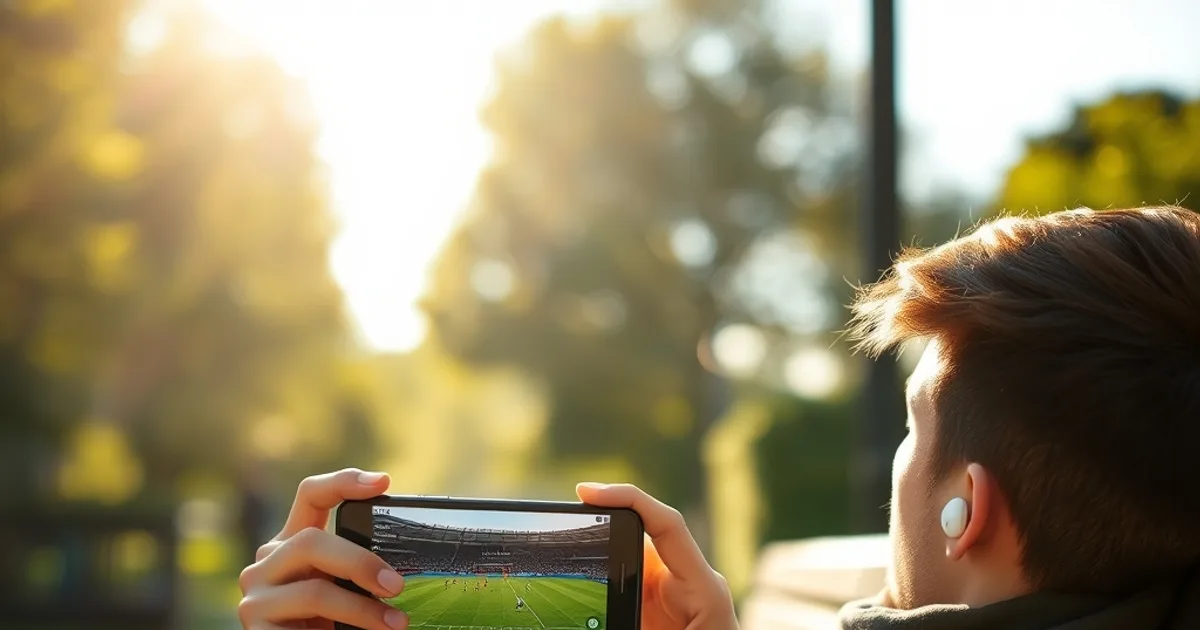
The Premier League 2026/27 season kicks off on Friday 21 August, with Arsenal hosting Coventry in the opening fixture — and for a huge share of fans, the first whistle won't be watched on a living-room TV. It'll be on a phone: on the commute, on a break at work, at the pub with the sound off, or propped against a pint glass. The iPhone is the single most common first screen people use for IPTV, yet most setup guides on this and other sites are written for Firestick or a set-top box, with iOS mentioned as an afterthought.
That gap matters because iOS isn't just a smaller version of the Android or Fire TV experience — Apple's sandboxing, background-app rules, and App Store review policies change which apps you can install, how playlists get added, and why streams sometimes stall the moment you lock your screen. This guide is built specifically for iPhone and iPad: which apps actually work well on iOS, how to set one up from a cold start, how a household shares one subscription across multiple people without stepping on each other's streams, and what to do when a match-day stream stutters on mobile data or home Wi-Fi.
None of this requires jailbreaking or sideloading. Everything below works on a standard, unmodified iPhone running current iOS.
Why the iPhone Is a Legitimate Way to Watch
There's a lingering assumption that IPTV "really" belongs on a TV and that phone viewing is a fallback. In practice the opposite is often true for Premier League fans: the iPhone is with you at kick-off time regardless of where you are, it doesn't need an HDMI cable or a shared remote, and it's the one device every adult in a household already owns and knows how to use.
That portability comes with three things worth planning for before the season starts rather than mid-match: which app you install (not all iOS IPTV apps are built the same), how more than one person in the house watches without conflicts, and how the stream holds up once you're off home Wi-Fi. The rest of this guide works through each in order.
Not sure which iOS app fits your setup? Ask a real person before you install anything.
Best IPTV Apps for iOS in 2026: Smarters Pro vs GSE
Two apps dominate iOS IPTV in 2026, and picking between them is really a question of how much you want to fine-tune versus how fast you want to be watching. IPTV Smarters Pro is the more polished, guided option: a clean home screen split into Live TV, Movies, and Series, an EPG (programme guide) that lays out kick-off times in a grid, and a setup flow that mostly just asks for your login details once. It's the app to recommend to a less technical family member.
GSE Smart IPTV trades some of that polish for control. It supports more playlist formats, lets you juggle multiple sources inside one app, and exposes settings — buffer size, user-agent, EPG source — that Smarters Pro hides. If you're the one setting things up for the household and like to tune buffering behaviour yourself, GSE is worth the extra five minutes of configuration. If you're setting this up for a parent or a partner who just wants to open an app and see the match, Smarters Pro is the better call.
Both are available directly in the App Store under their own names, both support M3U/Xtream-style logins, and neither requires a jailbreak. If you've already read our guide to /blog/iptv-uk-firestick-setup-guide, the app-choice logic is similar — Smarters Pro for simplicity, GSE for flexibility — the difference on iOS is mainly in how iPhone's background-app limits affect them, which we cover in the network section below.
Step-by-Step App Installation and First-Time Setup
Download your chosen app from the App Store — search the exact name ("IPTV Smarters Pro" or "GSE Smart IPTV") rather than a generic "IPTV" search, since the store surfaces a lot of unrelated apps under that broader term. Once installed, open it and you'll be asked to add a playlist or account. This is where your provider's login credentials or M3U URL come in — enter them exactly as given, since a stray space or wrong capitalisation in the URL is the single most common reason a first setup fails.
After the credentials are accepted, the app pulls down its channel list and EPG data, which can take anywhere from a few seconds to a couple of minutes depending on how large the package is and how fast your connection is at that moment. Let this finish fully before backing out of the app — interrupting the initial sync is a common cause of a channel list that looks half-empty afterwards.
Before match day, do one dry run: open the app, load a channel, let it play for a minute, and check the EPG shows the right fixture times in your local timezone (BST during August, moving to GMT once the clocks change in late October). If our /blog/best-iptv-uk-how-to-choose guide helped you pick a provider, this is the point where that choice actually gets tested — a clean first sync is a good early signal the service is stable.
Streaming Live Premier League Matches on iPhone
Once your app is set up, finding the match is a matter of using the EPG or the live channel list rather than searching by team name — most IPTV apps organise channels by broadcaster (the Sky Sports and TNT Sports-style feeds that carry Premier League fixtures in the UK), not by fixture. Scroll or search the channel list for the relevant sports feed, and use the EPG grid to confirm kick-off time and channel before the whistle.
If your provider supplies a separate custom playlist (an additional M3U link for extra channels or backup feeds), both Smarters Pro and GSE let you add it as a second playlist without replacing your main one — useful as a fallback if one feed buffers during a big match. Add it under the same "add playlist" flow you used initially, give it a distinct name, and switch between playlists from the app's settings menu if one source underperforms.
One iOS-specific thing to watch: the first time you play a stream, iOS will prompt for permissions (usually background audio or local network access, depending on the app). Approve these — denying local network access in particular can silently break playback on some IPTV apps that discover their own update servers that way, and the failure looks like a generic "can't load channel" error rather than a permissions issue, which makes it confusing to diagnose later.
Multi-Profile Family Viewing on One Subscription
A common household setup is one subscription covering several people — a couple, or a parent and a couple of kids' devices — each on their own iPhone or iPad. How well that works depends on two separate things: how many concurrent streams your specific plan allows, and whether the app itself supports separate profiles.
IPTV Smarters Pro has a built-in profile switcher in its settings, letting you set up named profiles per family member with their own recently-watched list, which is genuinely useful if a teenager and a parent share a device but don't want to see each other's viewing history. GSE doesn't have the same profile layer, so on GSE a shared device really is shared — everyone sees the same history and favourites list.
Separate from in-app profiles is the concurrent-stream limit tied to your account — that's a provider-side setting, not something the app controls, and it determines how many devices can play at the same time before one gets kicked. If two people in the house regularly want to watch different matches simultaneously (say, a 3pm kick-off clash), that's worth confirming with your provider before assuming it'll just work on kick-off Saturday.
For parental controls specifically, both apps support a basic PIN lock on adult-content categories in their settings menu — worth setting once, at setup time, rather than after a child has already found their way into the wrong category.
Fixing Buffering and Network Issues on Mobile
Mobile viewing introduces two network variables a TV setup doesn't have: switching between Wi-Fi and mobile data, and moving around a house or venue while the stream is playing. Wi-Fi is almost always the more stable choice for live sport — mobile data (LTE or 5G) can handle it fine in good signal, but Premier League kick-off times are exactly when local cell towers are busiest, since thousands of fans in the same area are often streaming the same match at once.
If a stream is stuttering on Wi-Fi at home, distance from the router matters more on a phone than people expect, since phones have smaller antennas than smart TVs or streaming boxes. Moving to the same room as the router for kick-off, or switching to 5GHz Wi-Fi if your router offers both bands, is often enough to fix it without touching the app at all.
If the app itself seems to be the problem — channels loading slowly, an EPG that won't refresh, playback that starts and then freezes after a few seconds every time — clear the app's cache from its own settings menu (both Smarters Pro and GSE have this option) before reinstalling anything. A cache clear resolves more mobile playback issues than people expect, precisely because iOS aggressively manages background app memory and can leave a stale partial cache after the app's been backgrounded mid-stream.
Our /blog/watch-premier-league-on-roku-iptv-setup guide covers the equivalent Wi-Fi troubleshooting for a fixed device — the router-distance and band-switching logic carries over, but a phone's mobility is the one variable that guide doesn't need to address.
Ready to watch kickoff on August 21st from your iPhone? See what's included in each plan.
Security and Privacy on Your Phone
A VPN isn't required to use IPTV, but it solves one specific problem worth understanding: some UK ISPs apply traffic shaping (throttling) to streaming-type traffic during peak hours, which can look identical to a provider-side buffering issue but is actually your connection being deliberately slowed. A VPN encrypts your traffic so your ISP can't identify it as streaming traffic to throttle, which is the main reason IPTV users reach for one — not anonymity for its own sake, but avoiding ISP-side interference on match day.
On iPhone, a VPN app runs as a system-level network extension rather than sitting inside your IPTV app, so it protects all your traffic, not just one app's. The trade-off is a small amount of added latency and occasionally reduced speed, which is why it's worth testing with a stream running before assuming you need one permanently — if your matches already play cleanly without one, there's no real benefit to adding it.
Beyond throttling, the more relevant everyday privacy habit on a shared family phone is the same PIN-protection point from the profiles section above, plus keeping the app itself updated through the App Store — Apple's review process means updates for these apps are less frequent than on Android, so when one does land, it's worth installing promptly rather than skipping it.
If you're travelling and streaming Premier League from outside the UK, the considerations shift slightly toward access rather than throttling — our /blog/watch-british-tv-abroad-expats guide covers that mobile-first, cross-border angle in more depth.
Frequently asked questions
Do I need to jailbreak my iPhone to use IPTV apps?
No. Both IPTV Smarters Pro and GSE Smart IPTV are available directly in the App Store and install like any other app, with no jailbreak or sideloading needed.
Which app is better for Premier League on iPhone, IPTV Smarters Pro or GSE Smart IPTV?
Smarters Pro is faster to set up and has a built-in profile switcher, making it the better pick for shared family devices. GSE offers deeper settings control (buffer size, multiple sources) for anyone who wants to fine-tune playback.
Can two people in the same house watch different matches at the same time?
It depends on your subscription's concurrent-stream allowance, which is set by your provider rather than the app. Confirm this limit before assuming simultaneous streams on different kick-off times will work smoothly.
Why does my IPTV app buffer more on iPhone than on my Firestick?
Phones typically have smaller antennas than TVs or streaming boxes, so Wi-Fi signal strength has a bigger effect on stream stability. Distance from the router and mobile-data congestion during kick-off times are the two most common causes on iPhone specifically.
Do I need a VPN to watch Premier League IPTV on my iPhone?
Not always. A VPN is useful if your ISP throttles streaming traffic during peak hours, which can look like buffering but is actually deliberate slowing. If your streams already play cleanly, there's little benefit to running one constantly.
Will my IPTV app show Premier League kick-off times in the right timezone?
The EPG should reflect your phone's local timezone automatically (BST through late October, then GMT). Always do a quick dry-run check of a channel's EPG entry before a big match to confirm times and channel numbers are current.
Next, see the subscriptions or the FAQ.