Watch World Cup 2026 on IPTV in the UK: 4K Setup & ISP Throttling Guide
16 September 2026 · 8 min read
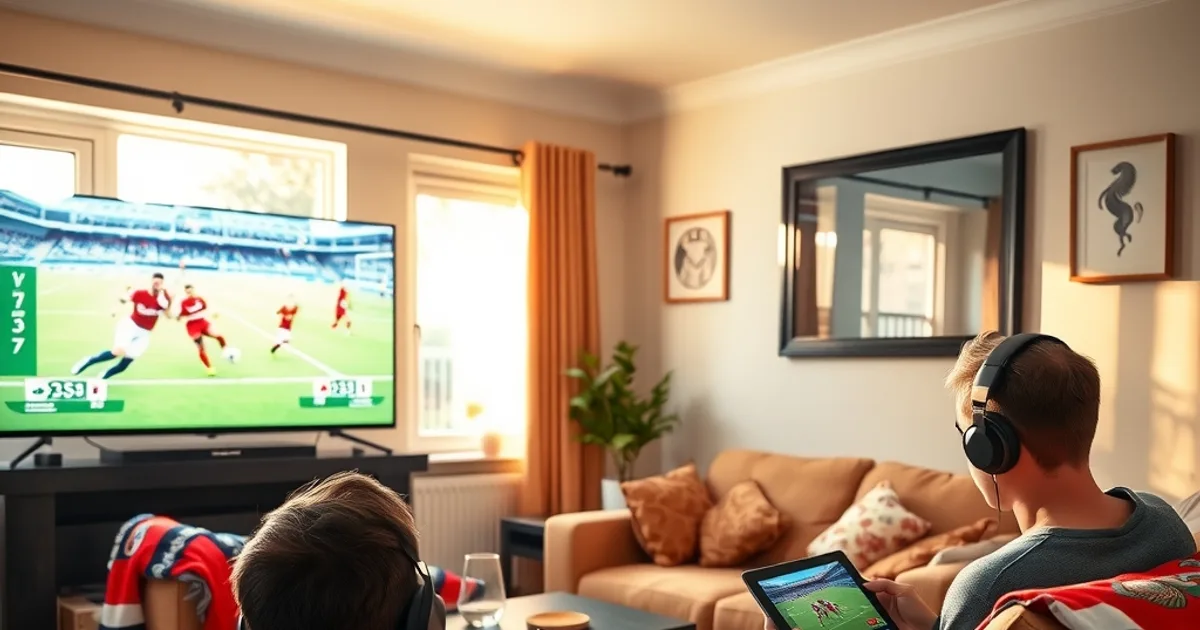
World Cup 2026 kicks off on 11 June and runs through the final on 19 July — nine months away, but searches for World Cup streaming are already climbing, and the questions we're getting are specific: will my connection hold up when three matches kick off at once, can I watch from Spain if I'm on holiday, and is the '4K' stream actually 4K.
BBC and ITV will split all 104 matches free-to-air, roughly 52-52, across BBC One, BBC Two, ITV1, ITV4, iPlayer and ITVX. That covers the legal basics. What it doesn't solve is what fans actually run into during a month-long, 48-team tournament: a free stream buckling under national demand during a big kickoff, a household with three people wanting three different matches, or a stream that's unreachable the moment you land in France for a summer break. We've already worked through these exact problems for Premier League and Champions League match days — this is the World Cup-specific version.
None of this is about avoiding BBC or ITV — it's about not being stuck with a single point of failure for a tournament that only happens every four years.
Why IPTV for World Cup 2026: Backup Coverage, 4K, Family Multi-Screen & Abroad Viewing
Free-to-air coverage is a genuine strength of this World Cup for UK fans — no paywall, no subscription needed to watch a single match. But 'free and available' isn't the same as 'reliable at scale.' iPlayer and ITVX are built for normal traffic, not for the entire country logging on for the same kickoff at the same time, which is exactly what happens during a home-nations game or a knockout tie. A second source running in parallel means a dropped stream on one platform doesn't mean a dropped match.
The group stage alone runs 12 groups of four teams through 27 June, which means long stretches with two or three matches live simultaneously. BBC and ITV can only put one match on the main channel at a time; the rest get pushed to red-button-style secondary feeds or online-only streams that don't always get the same production quality or reliability.
Add the two things free TV structurally can't offer: genuine 4K (BBC and ITV's free broadcasts are HD, not UHD) and access outside the UK, since iPlayer geo-blocks the moment your IP address leaves the country. If any part of your household travels during June or July — for the tournament itself or an ordinary summer holiday — that's worth planning for now, not in week two of the group stage.
Not sure if your connection can handle three overlapping World Cup matches?
Internet Speed & Device Setup: What You Really Need for 104 Match Days
A single stable stream doesn't need an exceptional connection, but a World Cup month is unusual: overlapping kickoffs, multiple rooms active at once, and everyone home for a 3pm Saturday match instead of the usual single Sunday fixture. We've broken down exact bandwidth tiers by number of simultaneous streams and resolution in our dedicated guide — start there: /blog/iptv-internet-speed-requirements-uk-2026.
The setup detail that actually matters more than raw speed is how the stream reaches your TV. Wi-Fi congestion is the most common cause of buffering during peak hours, especially in a house with a phone, a tablet and a smart TV all pulling from the same router during the same match. Wherever possible, run the main viewing device — the TV or the box connected to it — on ethernet, and reserve Wi-Fi for secondary screens.
Router placement and mesh coverage matter more during a tournament than during a normal week, simply because more devices are active for longer stretches. If your router lives in a hallway cupboard and your living room is two walls away, that's worth fixing before matchday one, not after the first buffering complaint from the sofa.
ISP Throttling During World Cup Peak Hours: Detect, Prevent & Fix Before Kickoff
Because most host-city kickoffs are scheduled around US and Mexican prime time, a large share of group-stage matches land in UK early evening and prime time too — the exact hours UK ISPs are already under the heaviest general load. Some ISPs apply traffic management (deep packet inspection that identifies and deliberately slows streaming-type traffic) during these congested windows, which is a completely different problem from your connection simply being 'busy.'
The difference matters because the fix is different. Ordinary congestion improves with a wired connection or a quieter time slot; throttling doesn't — it targets the traffic type specifically, so the stream stays slow even on a strong, otherwise-idle line. We wrote a full detection-and-fix walkthrough that applies directly here: /blog/iptv-isp-throttling-detection-fix.
The single most useful habit for the tournament is testing before it matters, not during. Run your stream at the same time of day a real match would air, a few days ahead, using the same method we recommend for Premier League match days: /blog/test-iptv-before-premier-league-match-day-isp-blocking-2026-27. If throttling shows up in a Tuesday-evening test, you have time to sort it before England's opening group game — not while it's happening.
Multi-Device Family Viewing on One IPTV Subscription: Simultaneous Streams & Channel Switching
Group-stage scheduling regularly puts two group's-worth of matches on at once, which in most households means someone wants the England game on the big screen while someone else wants a different fixture on a tablet or a second TV. Free-to-air can't help you here — BBC and ITV each show one live match on their main feed at a time.
This is where a properly set up IPTV household setup earns its keep: multiple simultaneous streams from one account, each device picking its own match independently, without anyone waiting for the living-room TV to free up. The practical side — how many simultaneous streams is realistic, how to avoid one device's buffering dragging down another's, and how to set devices up so non-technical family members can switch channels themselves — is covered step by step here: /blog/iptv-multi-device-family-setup-simultaneous-streams.
Worth doing now rather than on day one of the tournament: get every device in the house logged in, tested and labelled (which room, which login profile) in advance, so match day is just pressing play.
Watching World Cup 2026 Abroad: VPN Setup, Geo-Restrictions & Legal Considerations
The tournament runs through the start of the UK summer holiday season, and a meaningful number of fans will be watching from a campsite in France, an apartment in Spain, or a work trip abroad rather than from home. BBC iPlayer checks your location and blocks playback the moment it detects a non-UK IP address — it doesn't matter that you have a valid TV Licence, it blocks on geography, full stop. ITVX applies similar restrictions.
A UK-based IPTV subscription doesn't have that geography problem in the same way, but if you also want to keep using iPlayer-style access while abroad, or simply want your connection encrypted on hotel and campsite Wi-Fi, that's a VPN conversation, not an IPTV one — and it's worth understanding the legal and privacy distinctions before you rely on it for a month-long trip. We cover exactly this, UK-specific, here: /blog/iptv-vpn-uk-2026-legal-privacy-guide.
The practical takeaway: test your abroad setup — whatever combination of IPTV and VPN you're using — from an actual foreign network before you travel, not from your home Wi-Fi assuming it'll behave the same way once you land.
4K IPTV for World Cup: Real Bitrate Requirements vs Upscaled Streams
"4K" gets used loosely across IPTV listings, and the World Cup is exactly the kind of high-demand event where that looseness costs you a worse picture than you paid for. A genuinely 4K stream needs a meaningfully higher, sustained bitrate than HD — not just a resolution label. A stream that's actually 1080p HD content stretched to a 4K frame (upscaled) will carry a lower bitrate than true native 4K and will visibly soften on fast motion — exactly the kind of footage a football match is full of.
This matters more for a World Cup final or a big knockout tie watched on a large screen than it does for background viewing on a phone, where the difference is far less noticeable. If picture quality is the reason you're going IPTV for this tournament, it's worth confirming what you're actually getting rather than trusting the label. We built a practical way to tell real 4K from upscaled 4K: /blog/fake-4k-iptv-upscaling-detector.
None of the host broadcasters have confirmed exact UHD production plans for every venue at this point, so treat genuine 4K availability as something to verify match by match closer to June rather than assume across the board.
Pre-Tournament Testing: 30-Day Checklist for Match-Day Reliability
The pattern we see every major tournament is the same: people wait until the opening match to test their setup, discover a problem, and spend the first week of the tournament troubleshooting instead of watching. A 30-day run-in avoids that entirely, and it's the same discipline we already recommend for the Premier League season — see our season-start guide for the reasoning behind it: /blog/premier-league-2026-27-iptv-season-guide.
In the month before 11 June: confirm your connection speed against the tier your household actually needs (see the speed guide above), run a peak-hour throttling test rather than a midday one, log every device into the service and label them by room, and if you're travelling during the tournament, run one full abroad test — IPTV and VPN together if you're using both — before you actually leave.
Do this a week at a time rather than all at once: speed and wiring first, then throttling, then multi-device, then abroad access last, closest to when you'll actually need it. A problem caught in May is a five-minute fix; the same problem caught during England's opener is a ruined evening.
Give your household a backup that's tested and ready long before kickoff on 11 June.
Troubleshooting Live During Matches: Buffering, Lag & Failover Strategies
Even a well-tested setup can hit a rough patch mid-match, usually during exactly the moment you don't want it — a goal, a red card, a penalty shootout. The fastest live fix is usually the crudest: switch to a different stream or channel source for the same match rather than waiting for the original to recover, since most buffering during a big audience spike is temporary and source-specific rather than a fault with your line.
If buffering is happening consistently at the same time of day rather than randomly, that's the throttling pattern we covered earlier, not a one-off glitch — worth re-checking against /blog/iptv-isp-throttling-detection-fix rather than restarting the router repeatedly.
Keep a simple failover order decided in advance, before kickoff, not during it: primary IPTV stream, then a backup source or device, then BBC/ITV's free stream as the last resort. Deciding that order calmly in September is a lot easier than deciding it in the 89th minute of a knockout match.
Frequently asked questions
Do I need IPTV to watch World Cup 2026 in the UK at all?
No — BBC and ITV will show every match free-to-air, split roughly 52-52, on TV and via iPlayer/ITVX. IPTV isn't a replacement for that; it's backup coverage, multi-screen flexibility, potential 4K, and access if you're travelling abroad during the tournament.
Will my normal home broadband handle multiple World Cup matches at once?
It depends on your current speed and how many devices you're running simultaneously. Group-stage days often have two or three matches live at the same time, which is a heavier load than a typical Saturday. Check your connection against our speed-by-stream-count guide and test in advance rather than assuming.
Why does my stream slow down at the same time every evening during matches?
That pattern — consistent slowdown during specific peak hours rather than random buffering — is the signature of ISP throttling rather than ordinary congestion. It targets streaming traffic specifically, so a strong connection can still be affected. Our throttling guide covers how to confirm it and what actually fixes it.
Can I watch UK IPTV while on holiday in Europe during the tournament?
Generally yes, though it depends on your setup and destination. BBC iPlayer specifically blocks non-UK IP addresses regardless of TV Licence status, which is a separate issue from IPTV access. If you want to keep using both while abroad, read our VPN legal and privacy guide before you travel, and test from a real foreign network beforehand.
Is 4K IPTV actually worth it for the World Cup, or is it mostly upscaled?
It's worth verifying rather than assuming either way. Genuine 4K needs a distinctly higher sustained bitrate than HD; content that's just stretched to a 4K frame will look softer on fast motion despite the same label. Our upscaling detector guide walks through how to tell the difference on your own setup.
When should I start testing my setup before the tournament starts?
About 30 days out is realistic and gives you time to fix problems without rushing. Spread it across a few weeks — speed and wiring first, then a peak-hour throttling test, then multi-device checks, then an abroad test if you're travelling — rather than doing it all the week before kickoff.
Next, see the subscriptions or the FAQ.